Signs Your Small Business Has Already Been Compromised
Watch login history and email forwarding rules for invisible signs of intrusion.
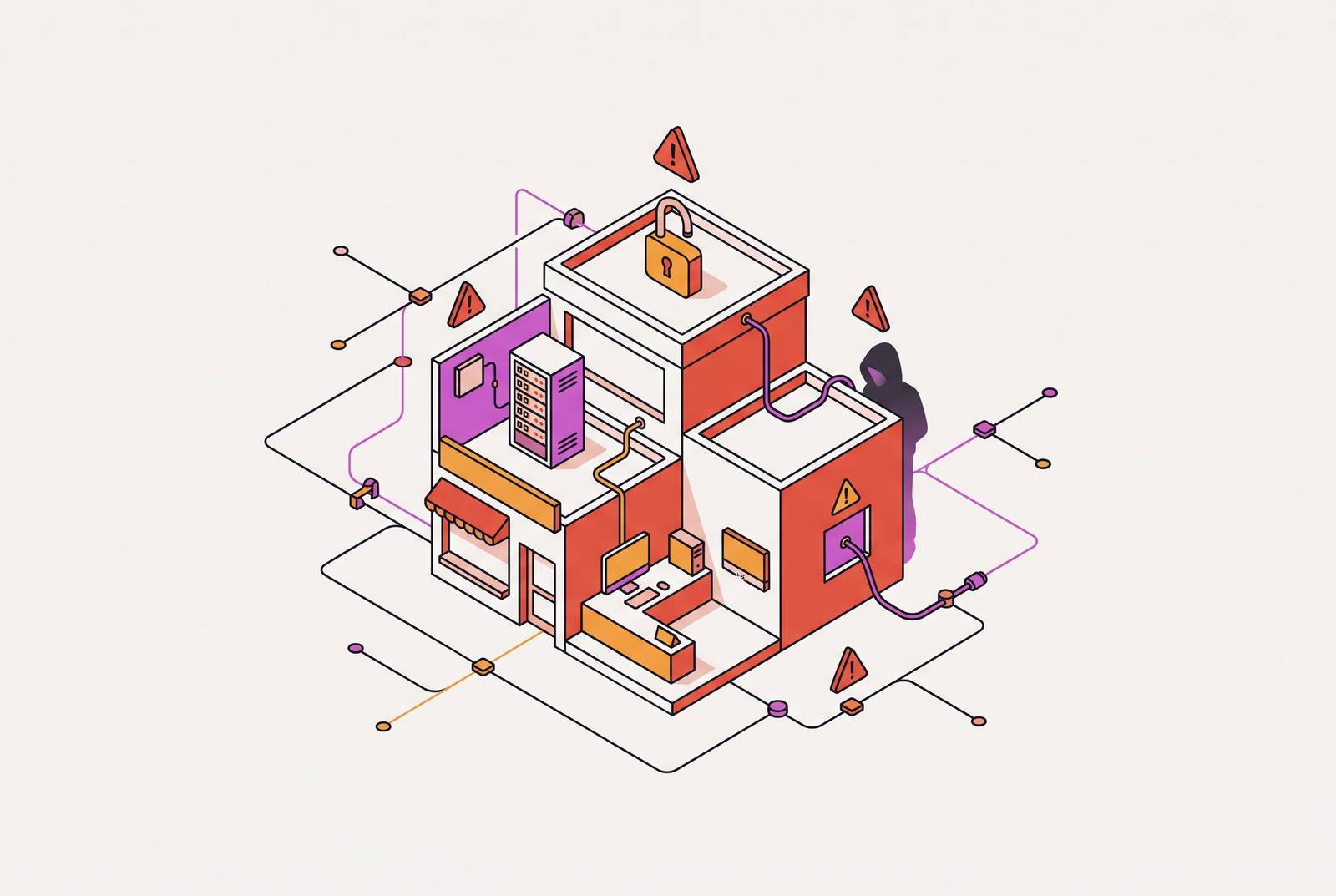
Most small business compromises are not the result of a sophisticated attacker studying a specific company. They are the result of automation finding an ordinary, unaddressed gap, and that gap existing at the moment the scan runs. The signs of that compromise are usually visible well before any ransom note or fraud alert, if someone knows where to look. This article walks through what those signs are, in order of where they tend to appear first, and what to do in the hour after recognizing one.
Small businesses in attackers' crosshairs
Automated scanning doesn't care about headcount or brand recognition. A piece of software that checks a thousand internet-facing login pages for reused passwords runs the same way against a five-person shop as it does against a regional chain. What makes a small business worth attacking isn't its size or its visibility. It's what it holds: a mailbox that can authorize a payment, a remote-access account, a vendor credential sitting in someone's saved passwords. Those assets create value for an attacker regardless of how small the company behind them is.
The economics that used to protect small targets have collapsed. Internet-facing systems get scanned continuously. None of this requires a zero-day exploit or custom malware. Ransomware, business email compromise, known and unpatched vulnerabilities, stolen credentials, and third-party access work often enough that they account for most intrusions.
Because entry is automated and opportunistic, the real question for a small business isn't whether it's on anyone's radar. It depends on whether it has closed the gaps attackers scan for. Those gaps don't announce themselves, and the next phase of a compromise is often already underway by the time anyone notices anything unusual.
Why an attacker already inside stays quiet
An intrusion is most valuable to the person running it when nobody knows it's happening. The early phase of a compromise is built to look like nothing, because looking like nothing buys the attacker time. Someone who obtains a business password doesn't need to change it right away or lock the real owner out. Someone who gets into an email account can read messages, search for anything valuable, and adjust settings quietly in the background, all without triggering a single obvious alarm. Malware can sit on a device for weeks doing nothing but watching.
What starts as access to one account or one device can turn into something much larger, given enough time. The longer that dwell time runs, the broader the eventual damage: access expands, data accumulates, and other accounts fall one after another. It's also the only window in which observable signals appear.
The October 2026 attack on French supermarket chains Intermarché, Netto, Coopérative U, Carrefour, and Monoprix shows what that pattern looks like at scale. The damage was discovered only after it was already done. The lesson for a small business is about timing: attackers wait for the moment nobody is watching, and the gap between access and action is where the warning signs live, if anyone bothers to check.
Account signals: the warning signs hiding in login activity and password behavior
Account activity is the most accessible place to look for signs of compromise, because it requires no specialized tooling, just knowing where to check. The first sign to watch for is an MFA prompt nobody initiated. An unexpected multi-factor authentication request usually means someone already has the password and is trying to finish logging in. In some passwordless sign-in flows, an attacker needs only a username to trigger that push notification. Either way, that notification is the attacker knocking at the door.
The instinct to approve and move on is the wrong one. Employees tend to tap "approve" because they assume an app logged them out somewhere, or because they just want the notification gone. The correct response is to deny the request, report it to IT, and investigate the account before assuming it's clean.
A second sign is a password that stops working with no explanation. An attacker who gains access to an account will often change the password, the recovery email, the phone number, or other security details to lock in control before anyone notices. A single locked account might just be a forgotten password and a routine reset. The right move is to contact IT immediately rather than cycling through password resets alone, since a real investigation may need to include terminating active sessions and reviewing which applications are connected to the account.
A third sign sits in login history itself: unfamiliar devices, unfamiliar locations, or active sessions nobody recognizes. Business email, cloud storage, accounting software, and any other important service usually keeps a log of recent logins. Unexpected activity deserves a closer look rather than a shrug, but most small businesses never check this history at all, letting an attacker sitting quietly inside an account stay there for weeks.
Email signals: the mailbox changes that indicate someone else is reading your business communications
Email is usually the single highest-value target inside a small business, because it touches payments, vendor relationships, and customer trust all at once. A compromised email account is often worth more to an attacker than a compromised password alone, because it grants ongoing, invisible access to how the business actually runs.
The first sign most owners encounter is a customer calling with a question that doesn't make sense: "Did you send me this invoice?" or "Why am I getting a password reset?" Worse is the version where the customer says they already paid the invoice and the business never received the funds. These calls are often the first signal that a mailbox has been compromised, and the fraud works precisely because it comes from a real, legitimate domain. This is business email compromise in its simplest and most common form. If a customer reports a suspicious message, the sending account needs to be investigated directly. Telling the customer to delete the email and moving on is not a response.
A quieter sign lives in forwarding rules and filters nobody set up. The employee keeps working normally, with no idea anyone else has access. Checking the sent folder, the deleted folder, any forwarding rules, filters, and connected applications is one of the fastest ways to catch this, and it takes only a couple of minutes in most major email platforms. These rules function as the attacker's housekeeping: they suppress the evidence of access so the inbox looks clean to anyone glancing at it.
A related sign appears in account settings themselves.
Device and network signals: what unusual system behavior is telling you
The device and network layer is where most small businesses have the least visibility, and it's also where legitimate technical problems can look identical to malware. A device suddenly running hot and slow isn't automatically evidence of compromise. Fans running constantly, applications taking longer than usual to open, unexplained CPU or disk activity, unfamiliar processes, frequent crashes, new browser extensions that nobody installed, unexpected pop-ups, security software acting differently than before: any one of these on its own could be a failing hard drive, a pending update, or an overloaded browser. Two or three of them showing up together, around the same time, change the odds considerably.
When something changes, the useful move is to ask what else changed around the same time. That framing keeps the investigation calm and specific instead of jumping straight to worst-case conclusions.
Antivirus alerts that keep coming back after being dismissed deserve the same treatment. A dashboard that says "protected" isn't the same thing as the threat being gone. What matters is what was detected, whether it was actually resolved, and whether this is the first time it's happened or the third.
Files, folders, and permissions that change without explanation are another category worth watching. A shared file that disappears, a folder whose permissions quietly changed, files with extensions nobody recognizes, documents with edits nobody on the team made: these often appear before ransomware reaches the stage of mass, obvious encryption. A device that looks like it's working fine isn't the same as a device that's actually clean.
Network behavior tells a similar story, if anyone is watching it. Visibility is the prerequisite for detection, and a network nobody watches is a network where an attacker can sit comfortably.
Financial and transactional signals: the signs that show up in payments and banking before anyone reports a breach
Financial anomalies often appear in bank and payment statements before any formal breach notification does, and they deserve direct checking rather than passive trust in a bank's fraud detection. Business bank accounts, payment services, and connected payment methods should be reviewed regularly for purchases, transfers, advertising charges, or any transaction that doesn't match what the business actually did. Waiting for the bank to flag something suspicious means waiting for a system that is reacting to patterns across millions of accounts, not watching this specific business the way its owner can.
The customer phone call mentioned earlier, the one asking why a payment never arrived, is both an email signal and a financial signal at once. The two layers confirm each other: a compromised mailbox sent a fraudulent invoice, and a financial account somewhere received a payment that never reached the business it was meant for.
Advertising accounts tied to a business email, on platforms like Google Ads or Meta, are a common and often overlooked vector for fraudulent spend. The charge appears on a statement days or weeks before anyone connects it back to the mailbox that made it possible.
The human signal most businesses are trained to ignore
The most reliable early-warning system in a small business without a dedicated security team is already on payroll. Most workplaces either train staff to write off strange behavior as a routine IT glitch, or create an environment where reporting it feels like inviting blame. Both responses hand an attacker more time.
A screen that flashes unexpectedly. A sign-in prompt that appeared out of nowhere. A link in an email that vanished after being clicked. A password that failed once and then worked the next try. An employee who clicked something they probably shouldn't have. These are the raw, unglamorous observations that often precede a confirmed compromise, and none of them require technical expertise to notice, only permission to mention.
The culture that quietly dismisses "something weird happened with my computer" is the attacker's best ally inside a small business. The cost of investigating a false alarm is small. The cost of training an entire staff to stay quiet is not, and it compounds every day the real signal goes unreported.
What to do in the next hour
Recognizing a warning sign only matters if it leads somewhere. The following steps are the short, ordered actions a founder or IT generalist can take right now, without a security team on staff.
First, don't approve or dismiss anything unfamiliar while still unsure what's happening. Deny unexpected MFA requests. Don't wire money based on an email instruction that arrived recently, even if it looks like it came from someone trusted. Don't dismiss an antivirus alert just because it's inconvenient. Approving or dismissing something closes the window for investigating it properly.
Second, check the accounts most likely to be affected. Review recent login activity for business email, cloud storage, accounting software, and any other important service. Look for unfamiliar devices, unfamiliar locations, or active sessions that don't match anyone on the team. Check forwarding rules, filters, and connected applications in the email account. Look for recovery addresses or phone numbers nobody recognizes. Check business banking and payment accounts for transactions that don't match what the business actually did. Check the website and social media accounts for posts, new administrators, or changes nobody authorized.
Third, isolate before touching anything further. A device suspected of carrying malware should be disconnected from the network before anyone uses it again, since continued use can spread the compromise further or overwrite evidence that would otherwise explain what happened. An account suspected of compromise should have its active sessions terminated and its credentials reset from a separate, clean device, not the one that might already be affected.
Fourth, contact the people who need to know before there's certainty about what's actually happening. A short list, an IT provider or managed security contact, a cyber insurance carrier, legal counsel, turns a chaotic reaction into a coordinated one. Insurance carriers often run a breach hotline that can offer guidance before a full investigation wraps up, and calling that hotline doesn't automatically open a claim.
Fifth, don't make financial decisions under pressure, and don't pay a ransom. Ransomware demands are built to create urgency on purpose. Paying doesn't guarantee data actually comes back, and it does nothing to close the vulnerability that let the attacker in to begin with.
The businesses least likely to ever reach this moment of scrambling are the ones that already have a single, clear view into their devices, their accounts, and their alerts, rather than three or four disconnected tools that each see only part of the picture. That kind of visibility doesn't require months of setup or a dedicated security hire to put in place. It requires deciding, before anything goes wrong, to treat the warning signs described here as real.