What to Do in the First 24 Hours After a Ransomware Attack
Critical first steps to contain the damage and preserve evidence before ransomware spreads further.
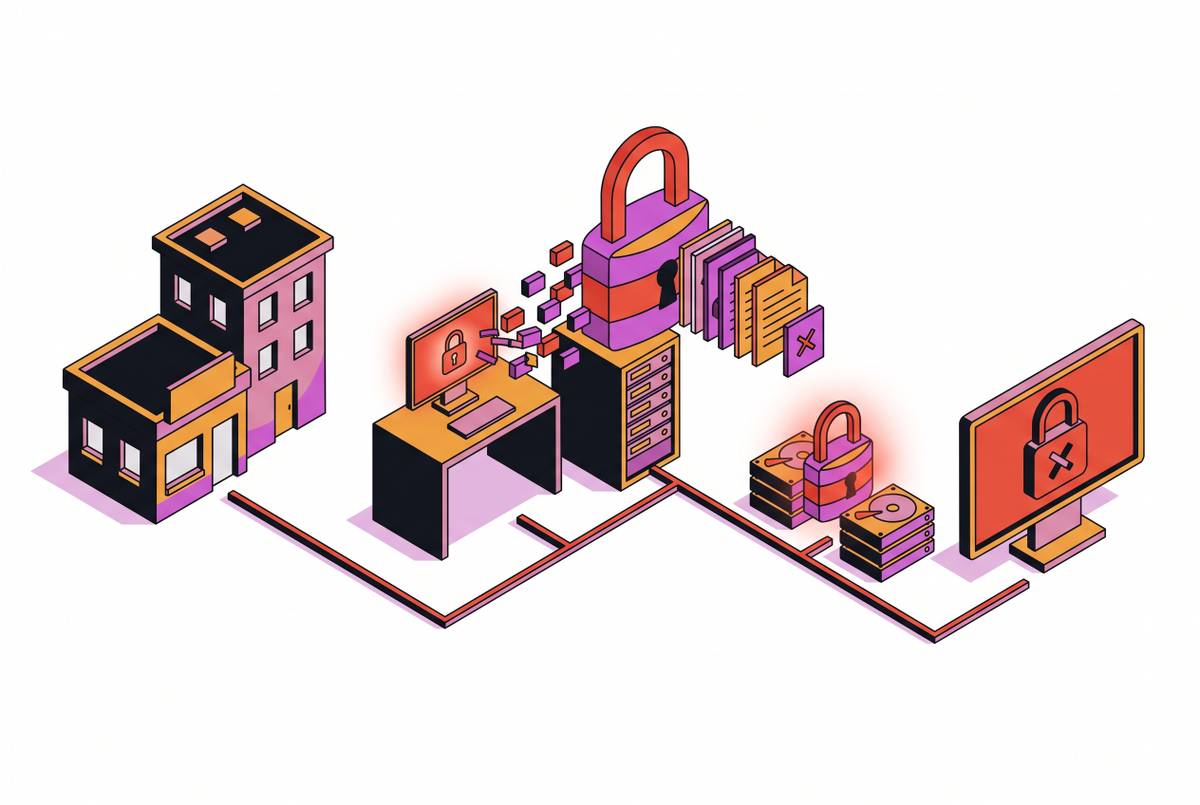
A ransom note on a screen is the moment a ransomware attack becomes visible, but it isn't the moment it started. What happens in the 24 hours after that note appears decides whether a business recovers in weeks or closes for good, because every lever that matters, containment, evidence, backup integrity, legal notification, gets weaker the longer it sits untouched. By the time files are locked, an attacker has usually spent days or weeks inside the network, quietly mapping it out. The encryption is the last step of the attack, not the first, and most modern ransomware pairs that encryption with stolen data. An owner is often dealing with two separate problems that both demand action within hours. Small and mid-sized businesses without a dedicated security team are the main target for this kind of attack, and the gap between feeling ready and actually having a written response plan is what this guide is built to close.
The instinct to shut everything down is wrong (what to do in the first 60 minutes instead)
The first instinct for most owners is to power everything off. That instinct is wrong, and acting on it destroys evidence that can't be recovered. A running machine holds things in memory, encryption keys, active connections, traces of the process that triggered the attack, that vanish the second the power goes out. A forensic image pulled from a machine that's still running is worth far more than one pulled from a cold, shut-down disk, both for recovery and for any legal action down the line.
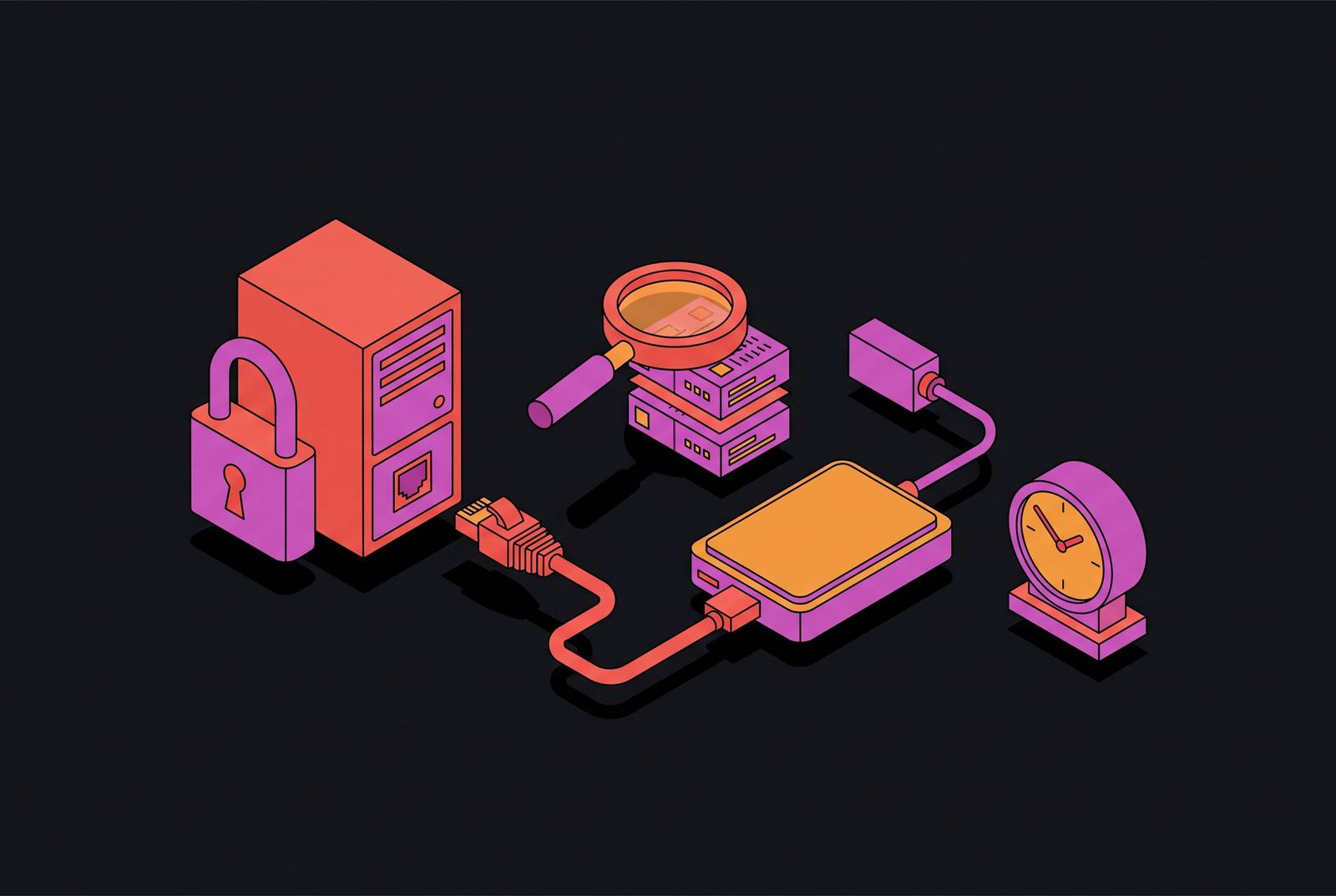
The right move in the first hour is to disconnect, not shut down. Pull the Ethernet cable. Turn off the wireless adapter. That stops the ransomware from spreading further into shared drives and other machines, while keeping the machine's memory intact for whoever investigates later.
Right after that, check the backup server. If it's still reachable from the same network segment as the infected machine, it's the attacker's next stop, and it needs to be cut off too. Pause the backup rotation while doing this; it takes about a minute in the backup console, and it stops the system from quietly overwriting the last clean backup with an encrypted one while the team is still figuring out what happened.
Move every conversation about the incident to phone calls. Don't use email or Slack to coordinate. Attackers sometimes watch internal communications to see whether they've been spotted, and a quiet, coordinated response works better than one that tips them off.
Start writing things down from the first minute: a photo of the ransom message, a list of which machines are showing symptoms, the time each thing happened. Guidance published by IR-OS points to this first 30 minutes as the stretch where speed matters more than getting every step perfect, and the notes taken now become the timeline that insurers, regulators, and law enforcement will all ask for later. One thing not to do: don't go poking around on other machines to see how bad things are. Every shared drive opened from a clean machine during this window is a shared drive that might now be exposed too.
Hours 1–4: Scoping what the attacker reached before assuming the worst or the best
Encrypted files are the first thing everyone sees, but they rarely show the real size of the problem. The true scope comes down to which accounts the attacker used, what those accounts had access to, and what data left the building before the encryption even started.
Three questions guide this work, in order. First: which account triggered the encryption? Authentication logs will show it, and that account's full activity history shows everywhere the attacker could have reached. Second: what was connected to that machine at the time, network shares, cloud storage folders synced locally, backup targets? All of it counts as exposed, even machines that otherwise look untouched. Third: did anything leave the network in the days leading up to the attack? A spike in outbound data transfer before the encryption event is the sign that data was stolen, and theft brings disclosure duties regardless of how recovery goes.
Check Active Directory for changes to users, groups, or domain controllers. If a domain controller shows signs of infection, treat the whole network as though the attacker had domain-level access and could have deployed the ransomware anywhere.
Look at the ransom note itself, the file extensions on encrypted files, and the names and hashes of any suspicious executables or processes. That pattern often points to a known ransomware family, and once it's identified, it's worth checking whether a decryptor already exists for it. The No More Ransom project, built by the Netherlands police's National High Tech Crime Unit, Europol's European Cybercrime Centre, Kaspersky, and McAfee, publishes free decryption tools for ransomware families where researchers have recovered keys or found flaws in the encryption itself.
Watch for signs the infection has spread past the first machine: ransom messages appearing on multiple computers, shared drives getting encrypted, domain controllers acting strangely, backup systems throwing errors, or network traffic that doesn't look normal. If the main server or a domain controller shows any of these signs, assume the whole network is compromised until proven otherwise.
Hours 1–4: Who to call and in what order, before the notification windows close
Notifying the right people is a separate track that starts in these same first four hours, running alongside the technical work, and missing a deadline on it brings financial and legal costs on top of whatever the attack itself already caused.
Call legal counsel first. They're the ones who sort out what regulations apply, what evidence has to be preserved, and they need to be involved before any conversation about paying a ransom even starts.
Call the cyber insurance carrier next, reaching the incident hotline specifically; this triggers the policy's notice requirements faster than the general account line would. Most policies require notice of a potential claim within 24 to 72 hours of discovering the incident, and notifying late can void the coverage.
Contact law enforcement too. FBI complaints go through ic3.gov. Filing one report there means trained analysts review it and pass relevant information to other agencies as needed. CISA runs a 24-hour reporting line at 1-844-Say-CISA (1-844-729-2472). Law enforcement sometimes offers free help, including access to decryption tools that may already exist for the ransomware family involved.
The question of whether to pay the ransom belongs here, in these first hours, not later once the dust has settled. It's a legal and regulatory call before it's a technical one, and counsel along with law enforcement need to weigh in before any payment happens. A government sanctions regulator has issued advisories warning that paying a sanctioned party can violate sanctions law even if the payer had no idea who they were dealing with, and during an active incident, figuring out exactly who's behind the attack is rarely possible with any confidence. Paying also doesn't guarantee much: it might buy a decryption tool, but stolen data stays out there, the hole the attacker used to get in stays open, and decryptors handed over by ransomware operators are sometimes slow, buggy, or incomplete, so a payment can still end in a partial recovery.
Hours 4–12: Cutting off the attacker's access without locking your own people out
Changing a password doesn't automatically remove an attacker's access. Many systems don't force existing sessions to log out when a password changes, so an attacker with a session already open can keep working inside the network even after the password reset goes through. Fixing this takes a specific order of operations, not just a password change.
Start by disabling every compromised user account and service account at the identity provider level, not just on the one machine that showed symptoms. Then revoke every active session tied to those accounts, centrally, at the identity provider. This is the step that actually kicks the attacker out of any session they're still holding open. Only after sessions are revoked should privileged account passwords get reset, since resetting first and revoking second leaves a window where the old session still works. Block any known malicious IP addresses and domains at the firewall as well.
Before calling containment finished, look for backdoors the attacker may have left behind. Attackers commonly set up extra accounts, scheduled tasks, or remote access tools sometime between getting in and deploying the ransomware, and that gap between initial access and the encryption event is exactly where persistence tends to get planted. Containment that misses one of these leaves the door open for a second attack right after the first one is cleaned up.
Figuring out how the attacker got in matters just as much as kicking them out. Phishing emails and malicious attachments are the most common way in, and exploited remote access tools and unpatched software also appear frequently in incident investigations. Checking suspicious email attachments, proxy logs, and firewall or intrusion detection logs for contact with known-bad URLs or IP addresses usually points to the entry method, and whatever turns up should feed directly into updated firewall rules and access controls. Staff need direction too during this window: tell everyone not to click suspicious links or open unexpected attachments, and to disconnect from the network right away if anything looks off. Settle clearly, at this point, who's doing the technical work, who's making business calls, and who's handling anything said outside the company.
Hours 12–24: Testing whether your backups will restore before betting the business on them
Having a backup isn't the same as having a backup that will actually restore, and most companies that find out theirs won't work find out in the middle of the incident, which is the worst possible time to learn it.
Backups tend to fail in a few predictable ways. A backup that stays online and reachable from the same network segment as everything else is reachable by the ransomware too, not just the backup agent. Shared credentials cause the same problem: a backup service account sitting in the same directory as every other account goes down with that directory. Some setups only protect the backup catalog, the index of what's backed up, while leaving the actual backup data unprotected. And if the rotation schedule wasn't paused fast enough in the first hour, automated retention may have already written over the last clean copy with an encrypted one.
Before trusting a restoration plan, three things about the backup need to check out: it needs to be an immutable copy that can't be altered after it's written, it needs to sit off-network or in a separate identity environment from the one that got compromised, and the keys and instructions needed to restore at full scale need to actually exist and actually work. Test a restore into a clean, isolated environment first, before committing to restoring everything.
The order of restoration isn't a guess, it follows dependency. Directory services, the identity provider, and name resolution need to come back first, because everything else authenticates through them. Restoring those from a backup taken while the compromise was already underway brings the attacker's accounts back online right alongside the real ones. Restoration can only start once containment, impact assessment, and the initial investigation are all finished; restoring into an environment that still has the attacker's access path or any leftover persistence mechanism just invites reinfection.
Full recovery takes weeks, not days, no matter how smoothly the first 24 hours went. Setting that expectation with leadership and staff early heads off rushed decisions made under pressure that end up undoing careful recovery work later.
What to communicate externally (and what not to say) while recovery is still underway
What gets said publicly during an active ransomware incident carries real legal risk. A statement made before the scope of the breach is confirmed can create liability that outlasts the technical recovery by a long way.
Every external message, to customers, partners, regulators, or the press, needs to go through legal counsel before it's sent, and each of those audiences needs a different message with a different level of detail and a different deadline attached.
Regulatory notifications run on a clock set by law and by insurance policy terms, not by whenever the owner feels ready to talk, and that clock can't be pushed back until recovery wraps up. Messages to customers and partners should confirm that an incident happened, that the business is actively responding, and that more specific information will follow as the investigation moves forward. What shouldn't go out is any guess about the scope or the cause before the forensic picture is actually clear.