Mobile Device Security Policy Templates for Small Businesses
Close three gaps in device security before personal phones become a liability.
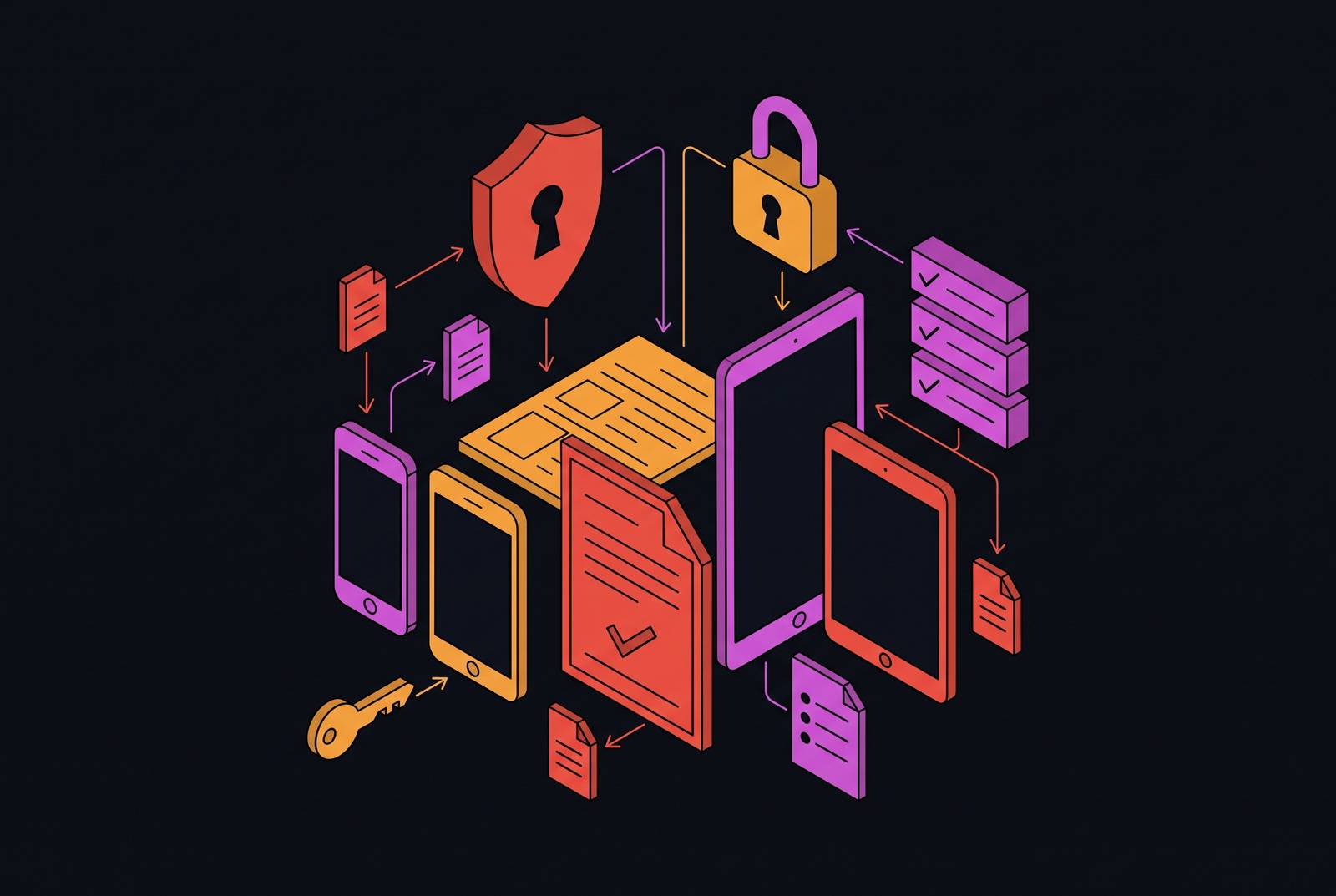
A mobile device security policy template for a small business must close three gaps, namely unmanaged personal devices, lingering access after employees leave, and rules nobody has authority to enforce. The right template makes those gaps explicit and assigns controls, consent, and responsibility to each one. Its value is not how complete it looks, but whether the business can act on it.
Why mobile devices are the most exposed endpoint small businesses are ignoring
An employee’s personal phone is already checking Teams and opening email attachments. A personal laptop pulls company files, while a tablet at home provides access to Slack. In many small businesses, none of that access is documented, signed for, or enrolled in device management. Personal devices have become part of the working environment without becoming part of its rules.
Remote and hybrid work make personal devices a default, while the business may have no full-time security lead and nobody formally empowered to require controls on employee-owned hardware. In 2026, the question is not whether personal devices touch company data, but whether that access follows signed rules or informal habits. The difference matters when a phone disappears and the business needs authority to remove company data. It also matters when an auditor asks for evidence of controls rather than an explanation of what employees usually do.
Why a template without the right sections fails before it is ever enforced
The SANS Mobile Device Management Policy, the ComplyJet BYOD Policy guide and free downloadable template, and the PurpleSec Sample Mobile Device Acceptable Use Template are places to start. SANS published its policy on February 11, 2026, in PDF and DOCX formats. Each template covers different ground, so the useful question is what each emphasizes and what needs adapting. A template built for company-owned devices cannot settle who has authority over personal phones or what consent employees must give.
The missing sections matter more than the document’s polish. When controls are not written down, access from personal devices to in-scope systems leaves a gap in an audit. The business needs the authority to require enrollment and clear consent from employees before it can require them to put personal devices under mobile device management. Without an offboarding procedure, employees can still have access after they leave. The policy’s purpose is not to ban personal devices, but to document their use and set an enforceable minimum standard.
Deciding which device ownership model the policy will govern
The ownership model sets the legal and technical boundaries of the policy. Under BYOD, or Bring Your Own Device, the employee owns and chooses the device while the company sets security requirements. Most small businesses already operate this way, even if nobody has named the arrangement. Making it explicit is the first decision the template must capture.
The other models give the company a different degree of control. COPE, or Corporate-Owned, Personally Enabled, permits personal use of company hardware and gives the company full MDM supervision rights. CYOD, or Choose Your Own Device, lets employees choose company-owned hardware from a list the company has approved. COBO, or Corporate-Owned, Business Only, keeps company devices for work alone and is usually used for high-security roles that handle regulated data. Unlike these company-owned arrangements, BYOD requires employee consent for the controls the company wants to enforce.
The scope and eligibility section — who is covered and what devices qualify
Scope defines whose access brings them under the policy. It should cover all employees and contractors who use personal devices to access company email, SaaS tools, internal systems, or cloud storage. Contractors are a common omission that auditors flag. Eligibility should then depend on job function, because not every role needs the same remote access.
The section must also identify eligible device types, including smartphones, tablets, and laptops, and state whether older or unsupported operating systems are excluded. Naming the covered systems tells employees which work activities trigger the requirements. Stating that BYOD is a revocable privilege makes clear that ownership does not guarantee access. Finally, explain how employees register devices with IT. Registration creates the inventory that enforcement depends on.
The minimum security controls section — the technical floor every enrolled device must meet
The security floor must be specific enough to check and practical enough to follow. Require a passcode or PIN of at least 6 digits, with biometrics as a supplement. Require a short idle timeout for auto-lock, prompt operating system and security patches, and no known malware. Prohibit jailbreaking and rooting because they undermine the other controls. For laptops, require active antivirus or built-in operating system security tooling, particularly where devices access internal systems or handle regulated data.
Encryption needs its own requirement. Modern iOS ties encryption to setting a passcode, while Android 10+ has file-based encryption enabled by default and strengthened by a PIN or screen lock. The policy must explain how IT checks that the settings meet its rules, whether it uses an MDM enrollment report, manual attestation, or an audit from time to time. Integrated device management can automate that recurring verification.
Before employees consent, the policy must distinguish mobile device management, or MDM, from mobile application management, or MAM. MDM controls the full device profile and can enforce settings, push configurations, and wipe the whole device from a distance. MAM controls business applications and their data, allowing IT to wipe the work container without touching personal photos, messages, or apps. Employees need to know which boundary applies before they sign. A misunderstanding about that reach creates both privacy disputes and enforcement problems.
The acceptable use and data handling section — where company data may and may not go
A correctly configured phone does not decide where an employee sends a file. The acceptable use section must therefore require employees to use company data only for work and keep it out of personal accounts or apps. It should spell out that forwarding work email to a personal Gmail account breaks this rule. Highly sensitive material, including customer financial records, protected health information, and regulated data, should not be stored locally on a personal device. Access should instead use approved applications that do not cache it locally.
Name the approved routes into business data so employees do not have to guess. Email should use the configured business email client, and files should use the approved cloud storage client rather than a browser session that saves credentials locally. Personal use remains permitted, but it must not weaken required controls, including through apps that request broad permissions without IT review. If the business classifies data as internal, confidential, and restricted, map those tiers to permitted access methods. Personal ownership does not take access to in-scope data outside an auditor’s view.
The roles and responsibilities section — naming who is empowered to enforce the policy
Controls without an owner are instructions nobody has to carry out. Name a primary policy owner, whether an IT lead, security lead, or CTO, accountable for enforcement, exceptions, and annual review. Make HR a co-owner for collecting acknowledgments and coordinating departures. Assign someone to carry out a legal or compliance review before MDM is deployed, especially where rules protect employee privacy. Each duty must have the phone number of the person responsible beside it.
Employees also need clear duties, including maintaining controls, keeping them enabled, and reporting a lost or stolen device immediately. The policy must give the reporting contact and expected IT response time. It must also obtain explicit consent to remove company data when a device is lost, stolen, or the employee leaves. In return, the company should state that IT will not access personal photos, messages, or non-work applications. Those privacy limits must be part of the agreement that allows enrollment from the start.
The incident response section — what happens when a device is lost, stolen, or compromised
A lost, stolen, or compromised device needs a procedure that is settled before the event. Start with immediate reporting to a named person or role and specify when IT will respond. Next, give IT authority to isolate the device by revoking access to company email, SaaS tools, and VPN. State whether the response includes a full device wipe or a selective business-data wipe. That action must match the deployed MDM or MAM approach and the employee’s prior consent.
After access is cut off, the procedure should require an investigation into what company data was accessible. That review also shows whether regulations require the company to give notice. Clear data handling rules make this step less ambiguous because they establish what was permitted on the device. Record the incident, the response steps, and the outcome to provide evidence of the response.
The offboarding section — the process most SMBs skip and most auditors find
An employee can leave with MFA codes, a customer list, and active access to production systems still on a personal phone. The offboarding section must make departure a defined trigger for action. HR should notify the IT policy owner on or before the employee’s last day. Without that handoff, IT may not learn about the departure until days later.
All company accounts, including email, SaaS tools, VPN, and internal systems, must be deprovisioned before or on the last day. Where technically feasible, company-owned files on personal devices should first be transferred to company-controlled storage. The procedure must then cover wiping company data and unenrolling the device from MDM, with the wipe method matching the employee’s consent. These steps need a record of who completed them and when. That evidence trail matters even in a business with only a handful of employees, because a small team can still leave an account active after its owner has gone.
The enforcement, exceptions, and review section — what keeps the policy from going stale
Employees who break the rules can lose their BYOD privilege, have their accounts suspended, or face disciplinary action. Give IT explicit authority to refuse network or system access to devices that do not meet the requirements. Define how compliance is audited through enrollment reports, periodic device checks, or attestation. Without those checks, enforcement relies on employees saying when they have broken the rules.
Exceptions need boundaries too. State who receives requests, what justification is required, and who can approve them. Make exceptions time-limited and subject to compensating controls. An open-ended exception is a policy change without the review that a policy change deserves.
Commit to annual review at minimum, with additional reviews triggered by changes in MDM tools, a new compliance framework, or a device-related security incident. The policy owner must initiate the review and distribute the updated version to covered employees for re-acknowledgment. This keeps the document tied to the environment it governs rather than the environment that existed when it was written. Before enforcement can rest on that agreement, however, employees must sign it. An unsigned document does not establish the consent needed to manage personal hardware and remove company data.
Turning the policy into a running program, not a one-time document
Once the policy is complete and signed, its requirements need technical enforcement. MDM or MAM enrollment provides the management mechanism, while device checks verify the applicable security floor rather than relying solely on employee self-compliance. MFA should be enforced on every account personal devices can access. Identity management tooling can execute access revocation at offboarding on the day the policy requires it. The document defines the obligation, and the technical control carries it out.
For founders, IT generalists, and operations leads who have no dedicated security team, using a separate tool for each control adds work. An integrated platform combining device management, identity protection, and compliance tracking can reduce that overhead without adding headcount. Pick a template, check it against the sections covered here, and adapt it to the devices and access the business actually permits. Then get it signed.