MDM Policy Enforcement for a Fully Remote SMB Workforce
Remote SMBs need MDM to prevent data loss when employees leave and devices disappear.
A sales rep resigns on a Friday afternoon. The company laptop is still pinging from a café in another city by Sunday. By Wednesday, it's offline, and nobody in IT can say where it went, what was on it, or whether it still has access to anything. That's the operational reality mobile device management is built to prevent, and for a fully remote SMB, it's no longer something to get around to eventually.
Why remote work made MDM a baseline requirement
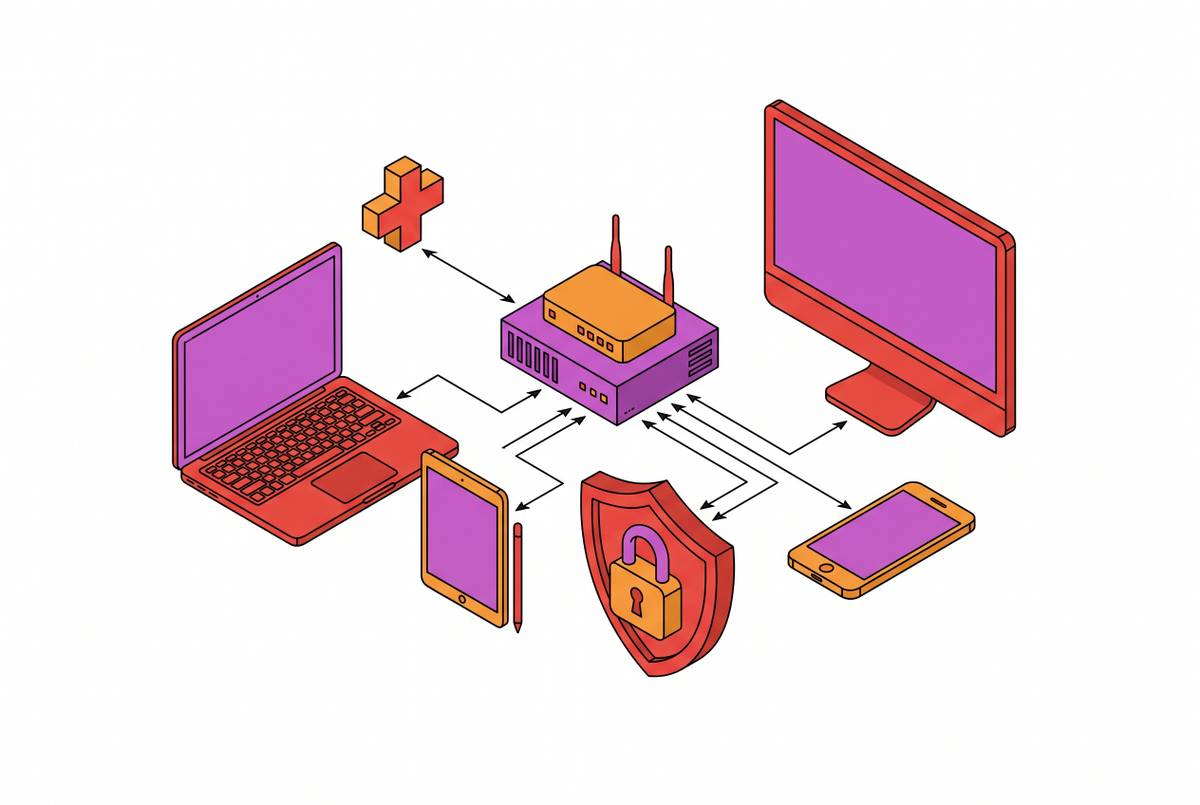
A remote workforce means every laptop, phone, and tablet is outside the building, and every one of them is a gap if nobody's tracking it. Without MDM, a mixed fleet of laptops, tablets, and phones across different operating systems becomes invisible to IT in a very literal sense: there's no central list of how many devices are actually in circulation, who has each one, or what operating system version it's running. That's not a hypothetical risk. It appears in three ways that lean teams run into constantly.
The first is the lost device with no way back. A laptop leaves a conference table and doesn't come home. A phone goes missing at airport security. Without MDM, what follows is a hardware loss report and an open question about what data walked away with it, a question nobody can answer with confidence.
The second is offboarding turning into a security incident by default. An employee resigns, the laptop is somewhere, and the company email is still logged in. Without the ability to wipe that device remotely, the gap between "employee leaves" and "access gets cut" becomes exposure, measured in days, not minutes.
The third appears during an audit. If a device touched sensitive data, an auditor will ask for its encryption status, last patch date, and remote-wipe capability. A team with partial visibility, some devices tracked, some not, is often worse off than a team with none at all, because partial coverage creates the illusion that the fleet is handled when it isn't.
Manual policy enforcement doesn't hold up across a distributed team, and that single cause produces all three failure modes. Disk encryption, password complexity, idle-lock timing, firewall rules, USB restrictions, these are the kinds of settings that get configured correctly on day one and drift out of spec within months when every device is set up by hand. MDM replaces that manual process with something pushed once and enforced everywhere, automatically, regardless of how many people are doing the setup or where they're sitting.
What MDM does under the hood
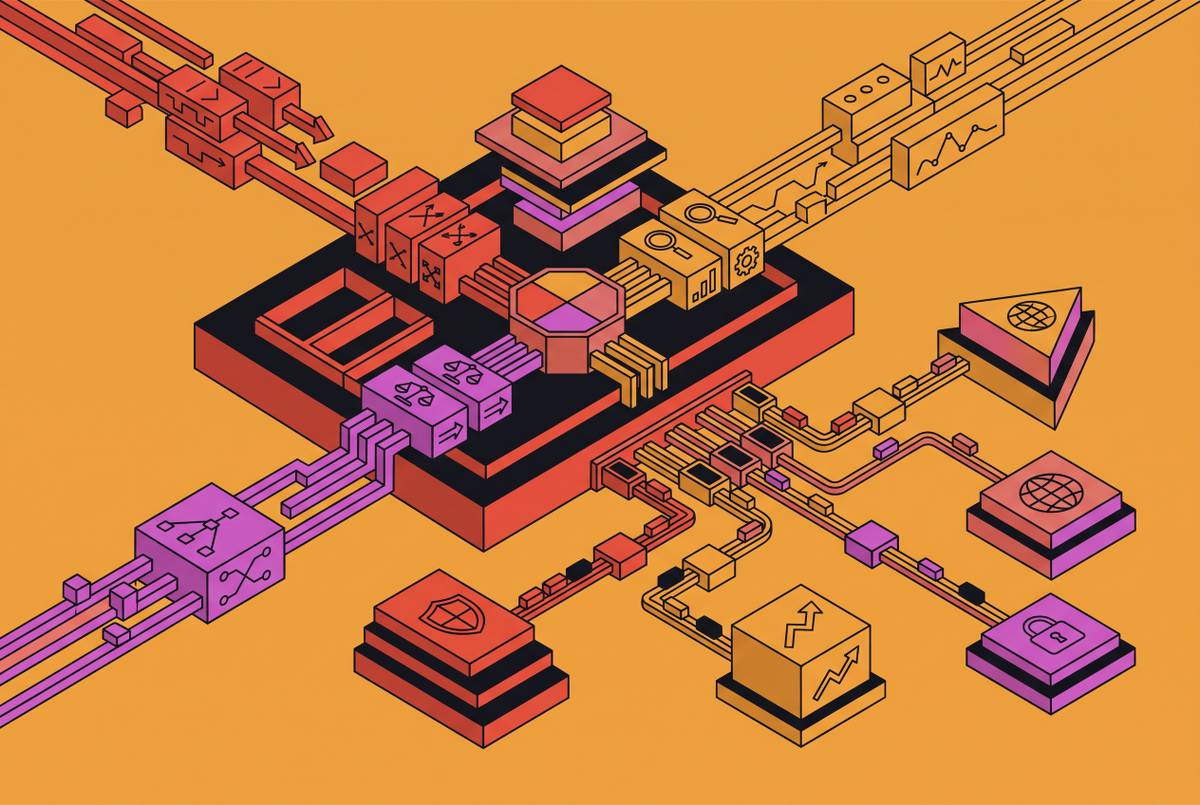
MDM's authority doesn't come from some clever workaround bolted onto an operating system. It comes from the control channels built into each major platform on purpose, accessed through configuration service providers (CSPs) on the Windows side. These are platform-native protocols, so the operating system itself treats the management server as an authorized source of instructions, not a third-party tool trying to work around permissions.
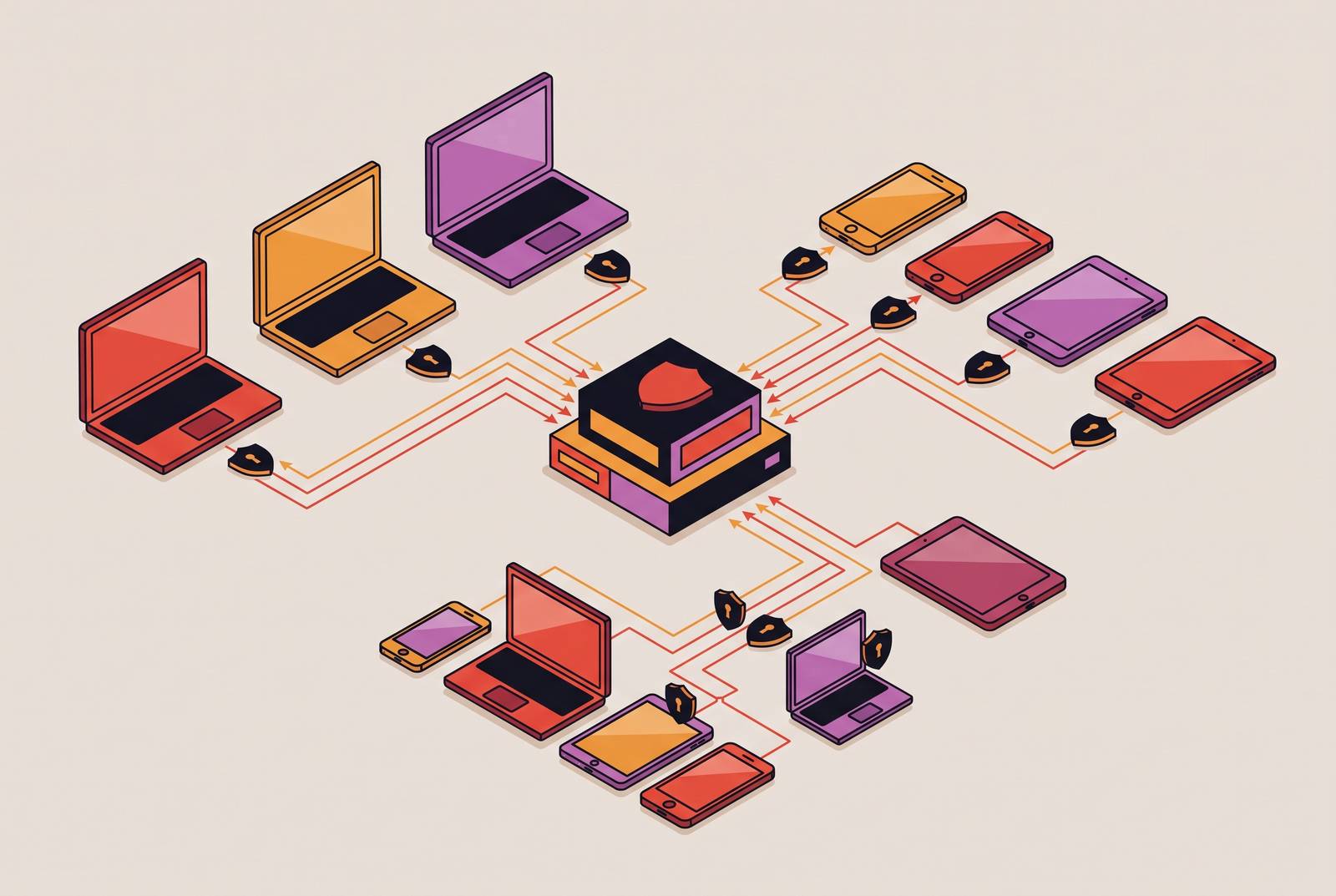
Once a device enrolls, the management server pushes configuration profiles down to it. Those profiles enforce encryption, passcode rules, VPN settings, app restrictions, and whatever compliance policy the organization has defined. Because these settings are delivered through the platform's own management layer, the device enforces them locally and keeps enforcing them even when it's offline or outside company walls.
From the console, an administrator can lock a device, wipe it, locate it, or restart it. Screen viewing for live troubleshooting works differently: it runs through a separate remote assistance session, something like Microsoft's Remote Help, available only on supported platforms. That's a distinct capability from the basic lock-wipe-locate-restart toolkit, so confirm a platform includes it before assuming it does.
Modern MDM agents keep devices connected through the cloud, not through a VPN tunnel back to an office server, so a device stays manageable from anywhere without first routing through a corporate network. An employee working from a home network in another state stays fully managed, fully visible, and fully enforceable without ever touching a corporate network. For enterprise-grade platforms, this control layer often ties into identity providers like Entra ID or Okta, feeding device compliance data into conditional access rules, which is relevant for any SMB that already runs identity infrastructure and wants device trust folded into the same system.
A policy profile that lands on a device isn't a suggestion the device might follow; the operating system itself enforces it locally. That means getting the policy right before enrollment matters far more than watching a dashboard after the fact.
The four controls that matter for a lean remote team, and the order to enforce them
Most small teams standing up MDM for the first time make the mistake of trying to configure everything the platform offers. For a team without a dedicated security person, the value is in making sure four specific controls work every single time, because these four close the failure modes that actually happen in practice.
The first control is knowing where a device is right now. Not last week's location, not a guess based on which Wi-Fi network it last touched: an actual live coordinate, available while the device is still moving. This matters most in the resignation scenario described earlier. Without live location, there's no path to recovery, only hope that the device wasn't logged into anything sensitive when it walked out the door.
The second control is the ability to lock or wipe a device on demand, with confirmation that the command actually landed. This needs to work from a dashboard, in seconds, not after a support ticket gets routed somewhere. A full factory reset on Windows is a capability some SMB-focused tools can't perform at all, so confirm this specifically before picking a platform. On BYOD devices, remote wipe has to be scoped to corporate data only. Wiping an employee's personal photos and messages along with company files creates legal exposure and burns trust that's hard to rebuild.
The third control is baseline policy enforcement, and it shouldn't need a help desk ticket every time something has to change. Disk encryption, screen-lock timeout, password complexity, and OS update compliance should be set once and auditable at any time afterward. Automated patch scheduling closes a window that manual patching leaves open for days or weeks at a time. The root vulnerability in most distributed fleets is configuration drift, where every device ends up slightly different because someone set each one up by hand at a different time. Enforced policy removes that drift.
The fourth control is producing evidence on request. Compliance monitoring should flag any device that falls outside policy, and that output doubles as an audit trail, not just an enforcement log. Cyber insurers increasingly ask for proof that specific controls exist, and if MDM is configured properly, it generates that proof automatically instead of making someone assemble documentation by hand. Frameworks like HIPAA, PCI DSS, and CMMC require log retention and audit trails that fall out of MDM enforcement as a natural byproduct of ongoing operation.
For a team setting this up for the first time, sequencing matters. Enroll every device before you configure a single policy, because partial visibility creates false confidence in a way that no visibility doesn't. Enforce encryption and screen lock first, since those protect data sitting on a lost or stolen device while you build out everything else. Turn on remote wipe next. Run a controlled lost-device drill so you confirm it works before a real incident forces the question. Patch management and compliance reporting can come later, once the fleet has stabilized. They matter for the long run, but they don't need to be perfect on day one.
How BYOD complicates policy enforcement without losing employee trust
Bring-your-own-device setups are common in remote SMBs, and they raise a real question employees are right to ask: how much of their personal phone is the company about to control? Delaying MDM because of BYOD isn't the answer. Designing the policy correctly is.
The fix is architectural, built into how the device separates corporate and personal data rather than resting on trust alone. Containerization and work profile separation isolate corporate data inside a managed container, and MDM enforcement only reaches into that container, not the rest of the device. On an Android work profile, for instance, the business can see and manage work apps and data, but personal photos, texts, and browser history stay out of reach. Location tracking only applies when a work app specifically requests it, not continuously and not through personal apps. Remote wipe only touches the corporate container, leaving personal data untouched.
The failure mode to watch for is employees who don't understand what MDM can and can't see. When that happens, they resist enrollment or enroll only halfway, and partial enrollment creates the same false sense of coverage as no enrollment. The fix is straightforward: explain the scope of visibility before enforcement starts. Tell employees what the business can see, what it can't, and what remote wipe means for their personal content.
Before you enroll any BYOD device, walk through the location and remote-wipe policy with the employee directly. This is a conversation about expectations. If a particular personal device can't keep business data properly separated or can't be safely revoked when someone leaves, the better move is to restrict that device to low-risk browser access only, or issue a managed device instead. The architecture has to actually be able to enforce the policy. A promise isn't enough.
Where MDM enforcement ends and active threat detection begins
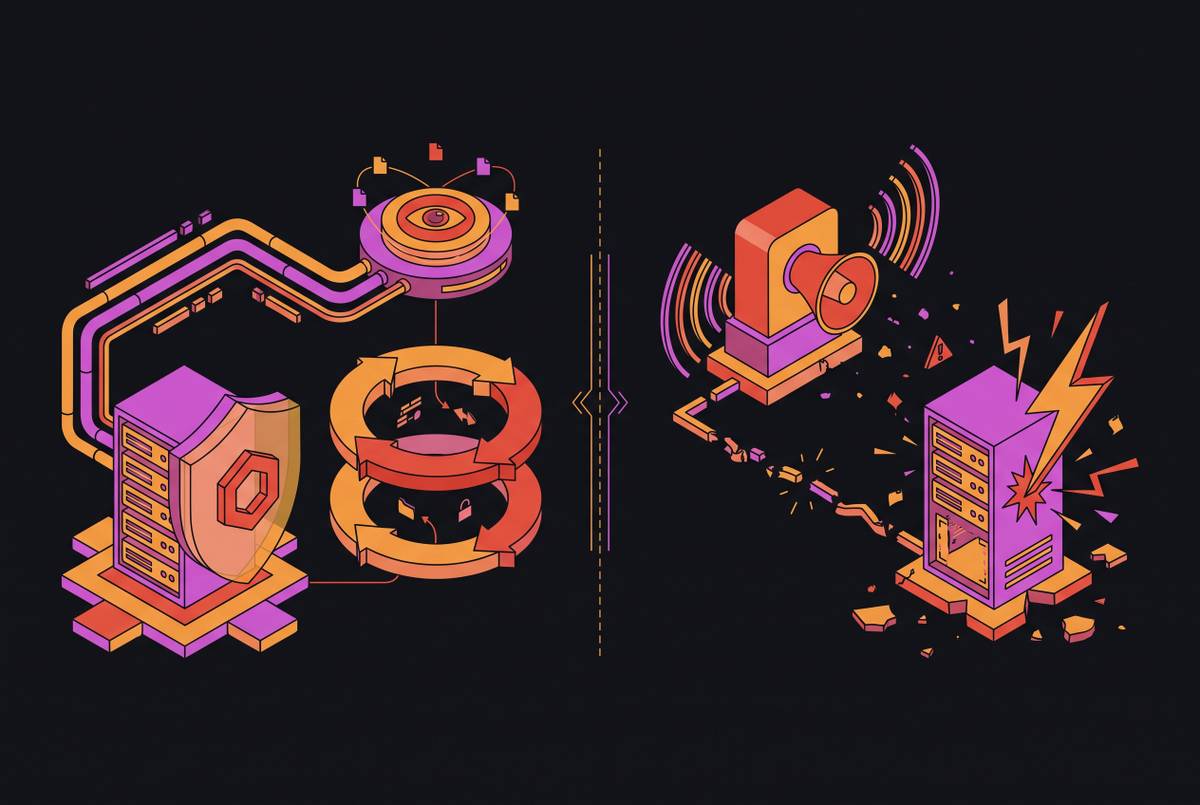
MDM answers one question: is this device configured the way it's supposed to be? It does not answer a very different question: is something malicious running on this device right now? Treating those two questions as the same thing is probably the most dangerous mistake a lean team can make once MDM is in place.
Device management covers health, compliance, and configuration, things like patch status, inventory, and remote access. Threat detection and response covers alerting, investigation, isolation, and forensic analysis when something actually goes wrong. A device can pass every MDM compliance check and still be running malware that MDM has no way to see, because detecting active threats was never what MDM was built to do.
The CrowdStrike Falcon integration shows how these two layers work together in practice. Falcon is the detection and response layer that sits behind MDM to close the gap MDM alone can't close. MDM enforces configuration; Falcon watches for and responds to active threats on those same configured endpoints. Deployment of the Falcon sensor typically runs through an MDM platform like Microsoft Intune, which makes MDM the delivery mechanism for the security layer rather than a competing tool. On macOS specifically, this relationship is built into the deployment process itself: the recommended way to install Falcon is to distribute CrowdStrike's profile through an MDM solution before deployment, which avoids manual authorization steps on every individual machine. On the mobile side, integration with Intune enforces device policy automatically, improving overall mobile compliance, while the Falcon console gives a single view across both mobile and traditional endpoints, simplifying both security management and incident response.
When endpoint management and endpoint security tools are connected this way, IT teams handle performance issues and security alerts from the same place instead of switching between separate systems. The payoff is fewer dashboards to check, not more capability scattered across more screens.
Keeping a distributed fleet compliant without constant hands-on management
A team without a dedicated security person can't check every device by hand every day, and it shouldn't have to. Sustainable compliance comes from automation paired with exception-based management: the admin responds when something falls out of line, not on a fixed schedule of status checks.
In this model, policies get set once at enrollment and enforced continuously by the platform itself. A device that drifts out of compliance gets flagged automatically, and that flag is what the admin actually reacts to. Automated patch reports run on their own schedule and show exactly which endpoints are current and which are exposed, so leadership gets visibility without anyone needing to dig through a console every morning. Conditional access extends this further by tying device compliance to identity: a device that falls out of policy can be automatically blocked from corporate apps until it's fixed, no manual step required.
Onboarding works the same way. Zero-touch enrollment through Apple Business Manager or Windows Autopilot means a new hire's device arrives already enrolled and already compliant with policy, straight out of the box, with no manual setup on IT's end.
Offboarding is the point in the entire device lifecycle where risk spikes the fastest, and it's exactly where automation pays off the most. When an exit gets recorded, the device should be wiped and access revoked as part of that same workflow, not handed off as a separate ticket that might sit for a day or two. Every extra hour that window stays open is more time a former employee has to copy files or reach systems they shouldn't still have access to.
Before rolling MDM out to the whole company, run a pilot with a small group first. Test sign-in, MFA recovery, what happens on a weak connection, lost-device reporting, offboarding, and support, and pay attention to what breaks during normal day-to-day use, not just in a controlled office setting. Expand only once the setup can be repeated reliably. And before buying anything, do one simple exercise: list every device the team is responsible for, and note the last time each one actually checked in with any system under IT's control. That list shows exactly where the gap sits that MDM needs to close.
What a consolidated security platform does
If a lean team manages MDM, endpoint detection, identity, and compliance across five separate tools, it ends up recreating the exact coordination problem MDM was supposed to solve. Five tools means five consoles and five separate alert streams, and an IT generalist in that situation spends more time stitching information together than actually responding to what any of it says.
Consolidation is the only model that holds up without dedicated security headcount for a team like this. When device-level policy data feeds directly into sign-in decisions, when identity policy applies automatically to specific devices, and when all of that data flows into the same compliance reports, the manual correlation work disappears. There's no toggling between systems to figure out whether a flagged device is actually a risk or just needs a routine update. The information already lives in one place, built to be read together instead of pieced together by hand.