The Hidden Operational Tax of Running MDM and EDR as Separate Tools
Unified tools eliminate the hidden costs of managing security across separate consoles.
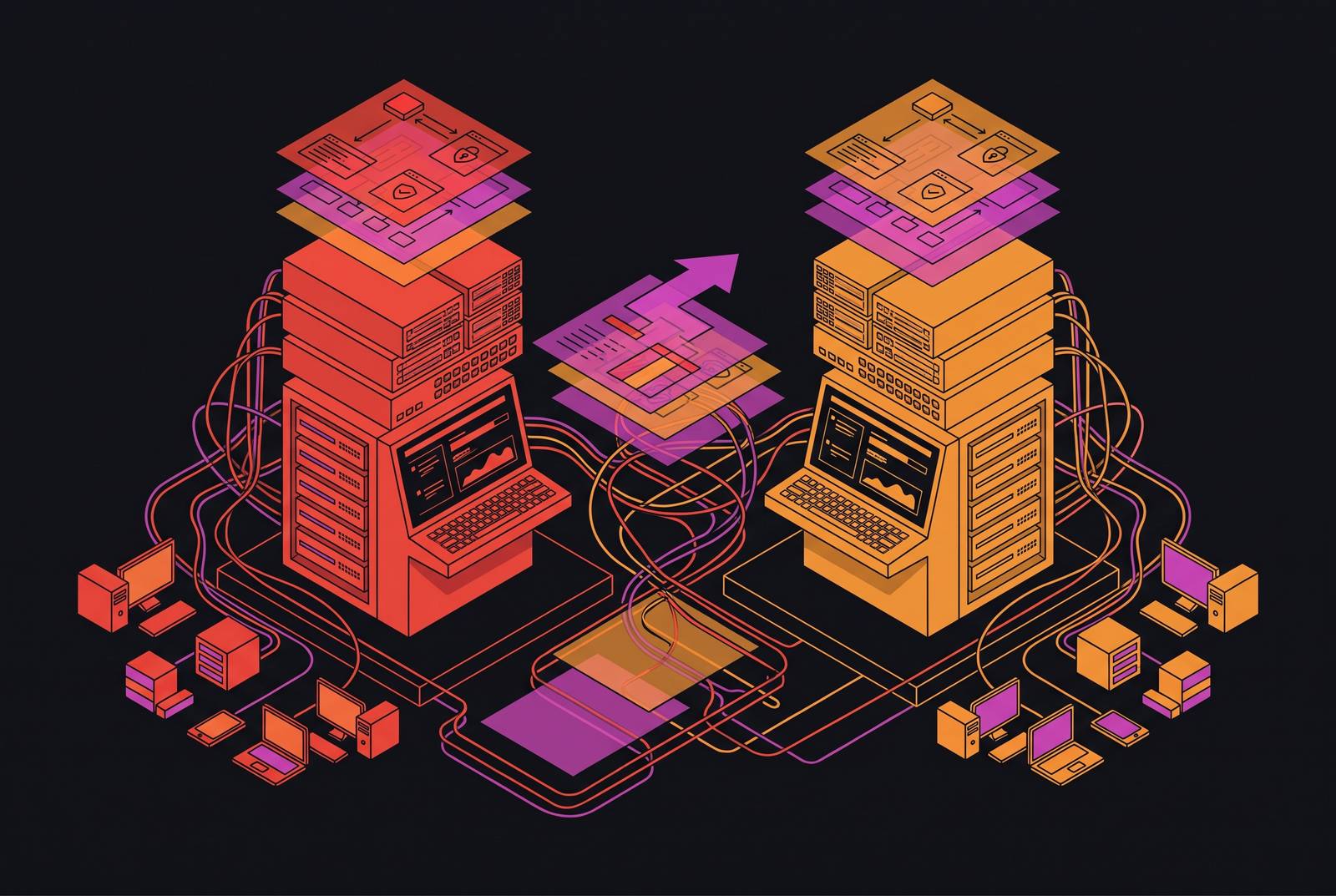
Running MDM and EDR as separate tools creates a hidden operational tax through missed coverage, duplicated work, and slower response. For SMBs without a security team, a unified device management, endpoint protection, and compliance platform should remove those handoffs. The real test is whether the team can keep every device protected and respond when something goes wrong.
Why MDM and EDR solve different problems and why that difference creates work
Mobile device management, or MDM, controls the state a device is in before a threat arrives. Endpoint detection and response, or EDR, watches behavior and responds after prevention has been bypassed. MDM uses policy profiles and compliance monitoring to control what devices are allowed to do, while EDR uses behavioral analysis and threat intelligence to detect suspicious activity. Neither approach replaces the other, because a device can meet its configuration requirements and still come under attack.
Their deployment needs are different as well. MDM is relatively agent-light and administrative, while EDR is agent-heavy and analytical. Managing policy requires a different skill set from interpreting a possible intrusion, and the tools generally put those tasks in different consoles. There are also separate renewal cycles and, almost always, separate vendors to manage. Even when both products work as designed, they do not share a data model or an operational workflow.
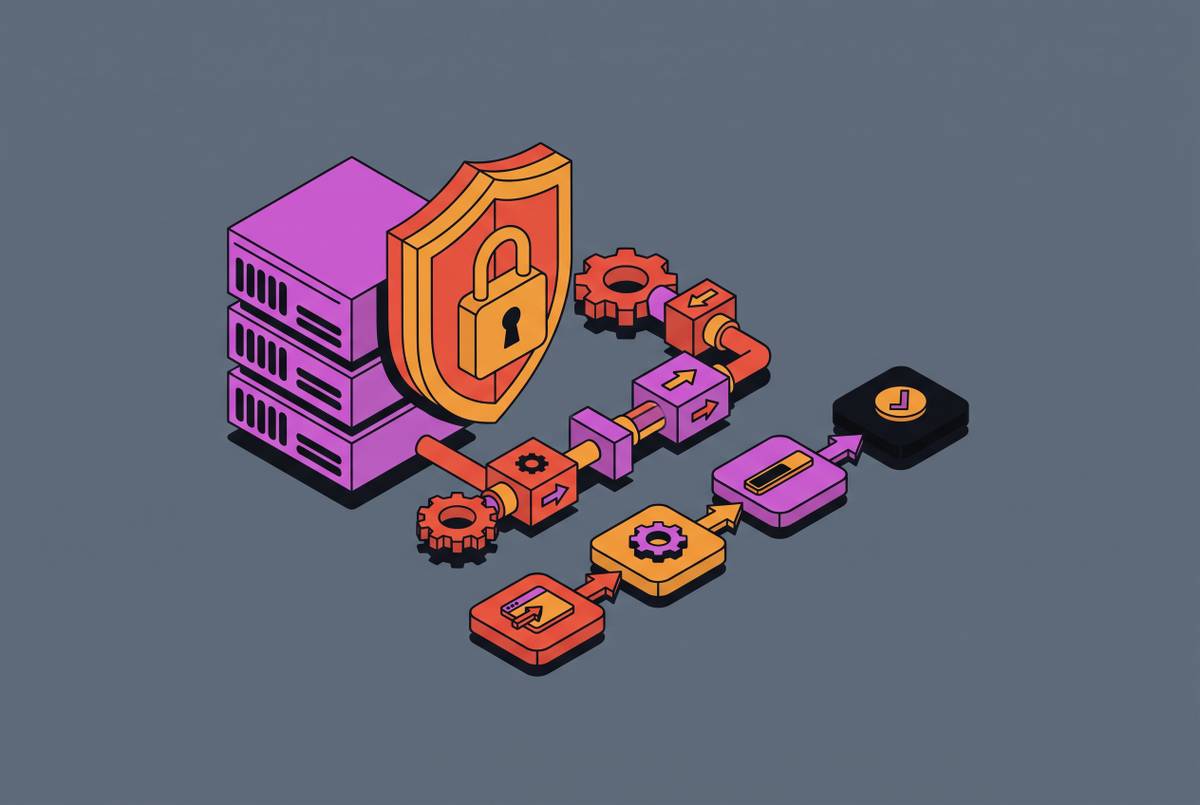
This separation grew out of how security was added to device management. EDR, vulnerability scanners, and security monitoring integrations were stacked onto an existing management foundation after the fact. The two-tool model became the usual way to work without anyone deliberately choosing it. Its cost appears wherever the disciplines need to meet, such as establishing whether a managed device is also protected or deciding which control should contain an incident. When the tools do not share state, gaps can open wherever their work overlaps, and every workflow they share needs a handoff.
Where the coverage gap actually lives — and why dashboards hide it
An MDM enrollment record does not prove that EDR is working. A device can appear properly enrolled while its security agent is broken, outdated, misconfigured, or no longer reporting. EDR cannot protect a device where it is not installed, and installation alone does not establish continued health. The distinction is easy to lose in daily administration. One console answers whether the device is managed, while the other reports the agents it can see.
Consider a new hire’s laptop that clears MDM enrollment but whose EDR agent silently fails its first update. The management record can still look fine. If nobody compares the device inventory with agent health, the gap can remain hidden behind what looks like a completed onboarding task. This is how a routine handoff can become a security exposure without either tool reporting a failure in the same terms.
Other ordinary changes reopen the same gap. An operating system update can break an agent binary, and new devices can be missed during onboarding. A prevention policy turned off for troubleshooting may never be turned back on. Detection logic can also degrade without active maintenance. These failures do not require an unusual attack or a reckless administrator, because the fleet keeps changing after the initial rollout.
MDM shows enrolled devices and EDR shows reporting agents, but neither isolated view shows which enrolled devices lack reporting agents. Both consoles can look healthy while some devices remain unprotected. A careful setup therefore does not settle the question permanently, because updates, new employees, and agent drift continually change the answer. The most consequential tax is not the time spent opening another console, but the exposure that persists when nobody knows another check is needed.
The alert correlation problem that falls on whoever is least qualified to solve it
When EDR does detect something, the split creates a different burden. The alert sits in one tool, while the device owner, policy status, current state, and last-check-in time sit in another. Someone has to bring those views together before deciding what the event means. That person becomes the missing connection between the products. Without shared device identity, someone has to match the alert to the right management record by hand.
For a lean team, this work usually lands with an IT generalist or an operations leader. The person handling it may know how to administer the laptop but not how to reconstruct an attack chain. Those are distinct skills. Interpreting MITRE ATT&CK context, judging a possible false positive, and deciding whether suspicious actions form a wider intrusion require more than familiarity with the device. As a result, an investigation can stall, get escalated at extra cost, or close with an important question unresolved.
The correlation task does not shrink with the team. A five-person IT generalist team still has to connect the same pieces of an event that a twenty-person security team would. It simply has less specialist capacity to absorb the work. Alerts can then accumulate faster than generalists review them, while each unresolved alert competes with ordinary IT responsibilities. If response is limited to business hours, the delay also includes the time when nobody is watching, although an attacker follows no such schedule.
Containment adds another handoff after the investigation. EDR may detect the intrusion, but stopping it can require changes in MDM, identity controls, and potentially network policy. When different providers or teams own those layers, coordination moves into email or tickets. The attacker can move laterally while the defenders arrange the response.
The real cost of running two tools — what the per-endpoint price hides
Per-endpoint licensing prices only part of the job. It does not include deployment planning, configuration, integration development, training, or the continuing effort to keep management and security records aligned. A buyer comparing subscription rates can therefore select an apparently affordable combination without budgeting for the work needed to run it. The invoice is the visible starting point. The costs described in the previous sections arrive as implementation work, administrative time, investigation time, and paid escalation.
Implementation alone can represent a significant multiple of first-year licensing costs for MDM and EDR deployments. That work happens before the tools do anything useful in production. Each needs its own planning and configuration, while connecting them introduces additional integration labor. An SMB that budgets mainly for the subscription can spend more on setup than it set aside to get started.
ManageEngine Endpoint Central illustrates a separate issue with the entry-level comparison. Malware protection, which bundles ransomware protection, and EDR capabilities are not included in the base edition. Each is a separately priced add-on. That packaging means a buyer evaluating management and endpoint security together must account for more than the base product figure.
Training and staffing then make the expense recurring. MDM requires IT administration training, while EDR requires specialized security analyst training, so a team either funds both tracks or operates one tool undertrained. Teams that run integrated solutions should have cross-training, but they still need both sets of skills. Administration and monitoring also take up a sizeable share of full-time staff members’ time. For a lean team without dedicated security staff, that work must displace another responsibility or require additional help, even if neither consequence appears on a vendor’s pricing page.
Why SMBs absorb this tax hardest — the threat context that makes fragmentation dangerous, not just expensive
Smaller IT teams, slower patch cycles, and weaker incident response make them an easier target when defenses are incomplete. Limited capacity is not just a budget constraint. It affects how long an agent stays broken, how soon someone reviews an alert, and whether anyone can act outside working hours.
Ransomware makes that connection especially direct. It dominates SMB breaches at a rate far exceeding its presence in enterprise breaches, and unprotected devices, slow detection, and business-hours-only response give it room to operate. A coverage gap can leave an entry point exposed. Slow correlation can then delay recognition of what is happening, while fragmented containment delays the response. These weaknesses reinforce one another rather than presenting separate, neatly bounded risks.
Exploited software vulnerabilities, stolen credentials, and phishing do not respect the division between device administration and threat detection. MDM does not catch credential theft, and EDR does not enforce patch policy. Neither closes the loop by itself. A business can therefore own both tools and still lack a dependable workflow from enforcing a baseline to detecting a bypass and containing the resulting activity.
The belief that a company is too small to target makes that workflow easier to postpone. Yet maintaining coverage requires active attention as devices and agents change. A cyber insurance renewal can require EDR on every device, so incomplete coverage can be a security concern the business has to deal with now. An enrollment inventory alone cannot establish that the required protection is actually working across the fleet.
How can an SMB combine MDM, EDR, and compliance without a security team?
True consolidation starts with shared enrollment state and shared device identity. A policy change, a compliance status, and a security alert should all refer to the same device record in a single console. That shared record is the foundation. It connects the management question of whether a device meets policy with the security question of whether its protection is healthy and whether it is under attack. An API connection between products is not equivalent if people still need separate logins and separate investigation workflows.
For a buyer, the practical test is what work disappears. Shared enrollment and health state should show which managed devices lack working security agents and spare an administrator the work of matching inventories. With shared identity, people should no longer need to piece together device context from different consoles. Coordinated response should reduce the handoffs between detection and containment. A bundle that changes only the invoice does none of those things, even if the sales language calls it integrated.
A unified workflow can bring enrollment, policy, detection, and response together, but the buyer still needs an answer to who monitors and acts outside business hours. One console does not answer that question by itself. For a small company with no IT staff, removing cross-console work also does not establish who will deploy, monitor, and maintain the platform. The relevant choice is the one the business can actually operate.
Compliance belongs in that evaluation as an ongoing device state. Policy status and protection status need to remain connected as devices update, people join, and agents drift. That is where consolidation can reduce recurring work. A platform is unified when it shows gaps and lets people act on the same device record, and its operating model provides the response the team cannot handle. Without those conditions, the business has moved the tax to a new console.