How Operators Self-Manage Device Security and Compliance From a Single Dashboard
One person can now enforce security policy and prove compliance without juggling separate tools.
Operators without a security team can self-manage device security and compliance when they have device management, endpoint protection, identity controls, and audit evidence in one platform. A useful dashboard does more than display problems. It lets the operator enforce policy and document the result without reconciling separate systems. This article explains how that model works, with Zip Security as one implementation for small businesses.
Why device security has become a self-management problem for lean IT operators
A customer security questionnaire arrives, and a prospect’s deal pauses until someone can prove every laptop is encrypted. The questions land with the founder, IT generalist, or operations lead already managing dozens to hundreds of endpoints. There is no security team to take over. The person who keeps devices working must now show that those devices meet documented controls.
Remote work, cloud apps, and distributed fleets have expanded the places where company data is accessed while headcount has stayed flat. Customers, insurers, and auditors expect evidence. Verizon’s 2025 DBIR found that 88% of SMB breaches involved ransomware, giving the demand for documented protection a concrete backdrop.
The gap is structural. Hiring more people is not the prerequisite for closing it. Platform design can instead bring device management, identity, and compliance into a view one operator can use, as the unified approach offered by Zip Security is designed to do. Self-management becomes realistic when the platform takes on the coordination work that would otherwise require a team.
What fragmented tooling actually costs a lean operator day to day
Mobile device management, or MDM, configures devices, while endpoint detection and response, or EDR, supplies protection and visibility into malicious activity. A compliance platform organizes evidence for audits.
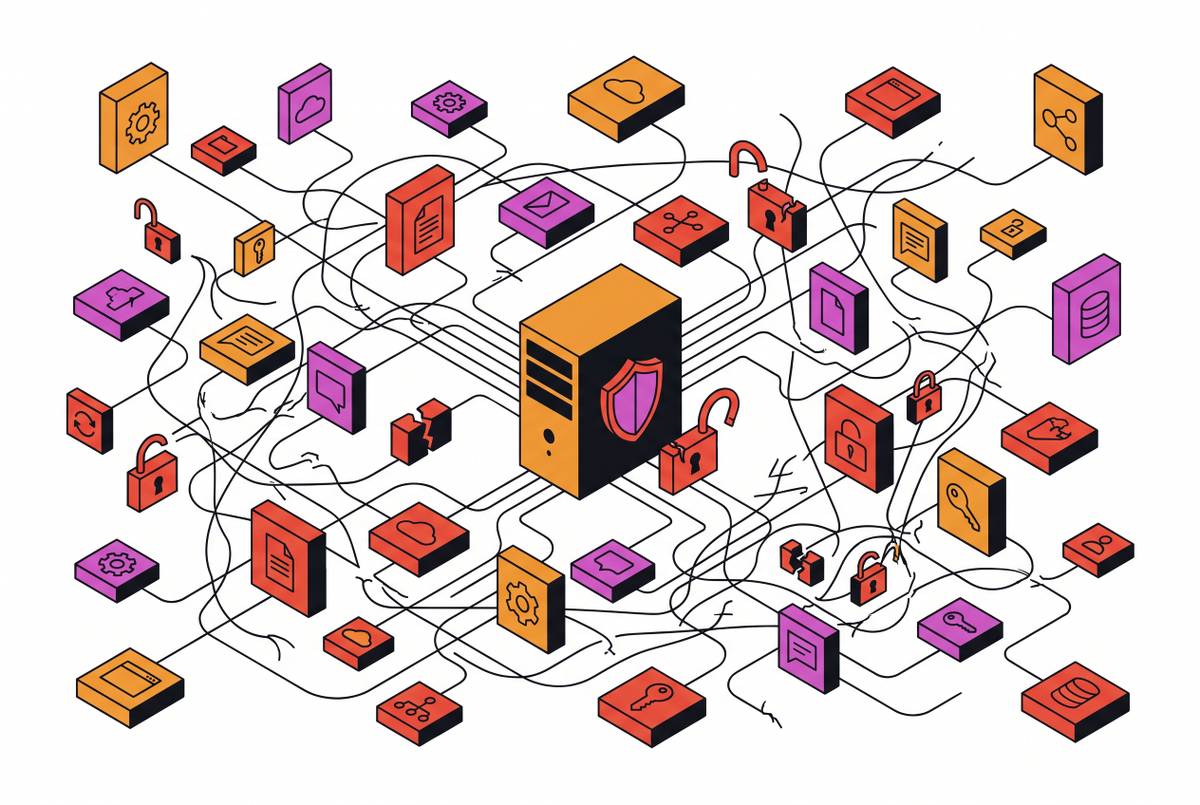
The cost appears between them, where each has its own console, agent, and reporting cadence. A device can drift out of compliance without any single console showing the full gap. The operator then has to correlate alerts and check for reports of the same problem across different systems. That work takes time and security knowledge, even when every tool is doing its job.
The operator pulls reports from several systems, reconciles inconsistencies, and builds an evidence package by hand. A patchwork can function with people supplying the missing connections, but it does not remove that work for a lean team.
What a unified dashboard actually shows an operator — and what it lets them act on
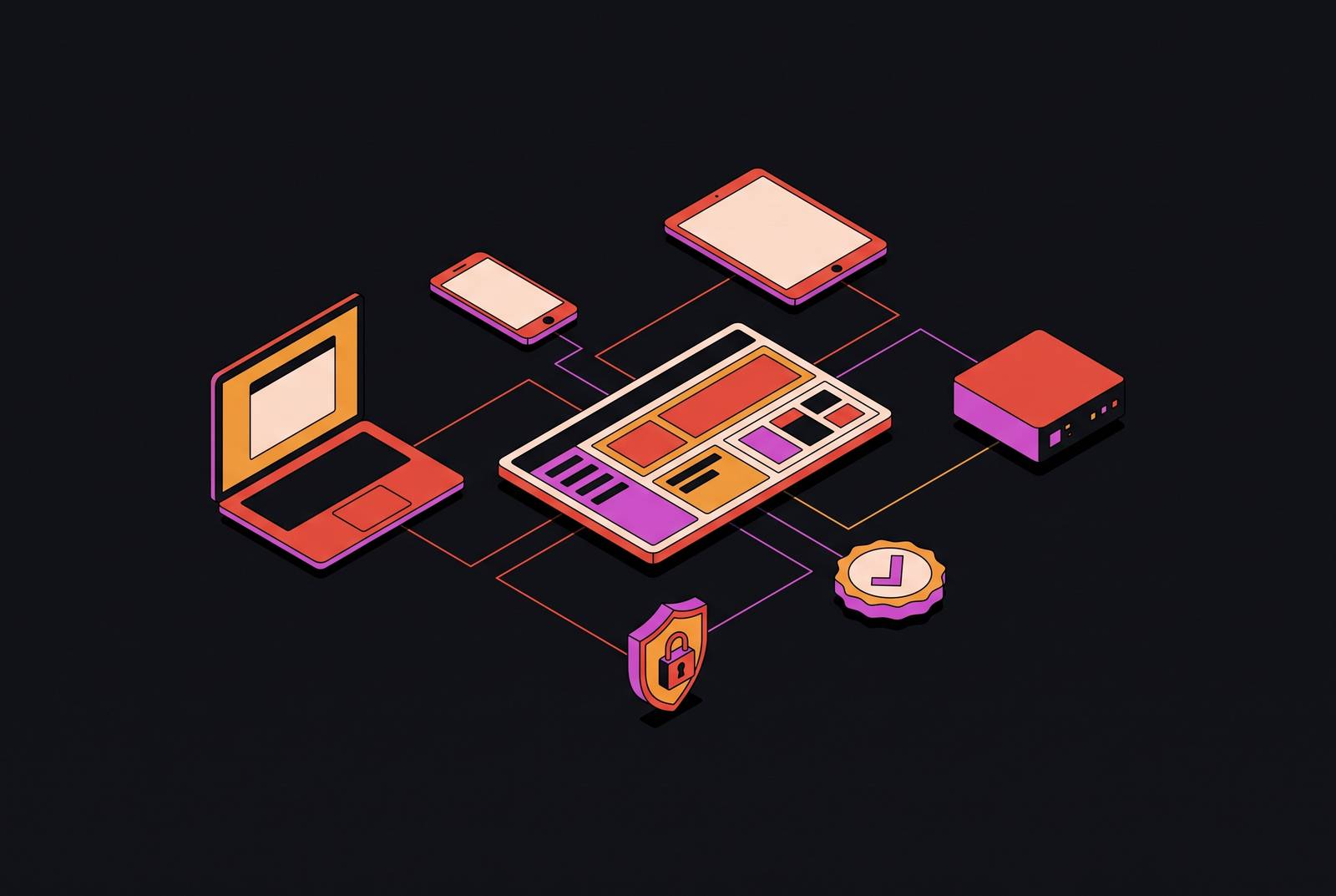
On a given morning, the operator opens a single inventory of enrolled devices, including those used away from the office. A lightweight endpoint agent reports to a cloud-hosted console without requiring a VPN. The inventory shows operating system versions, patch status, hardware details, encryption state, and screen lock enforcement.
Suppose a laptop is flagged because encryption is disabled. The operator can see which device is affected, which user is logged in, and why it is out of policy. Identity information adds MFA status and access state at the time of inspection. The compliance view places the device’s condition against the framework the business is being audited against, while the fleet view shows whether the gap is isolated or widespread.
From the flagged device, the operator can trigger the remediation workflow. A patch gap can similarly lead to a patch push from the same console. The operator does not have to leave the dashboard to initiate policy enforcement.
How automated enforcement replaces the expertise a lean operator does not have
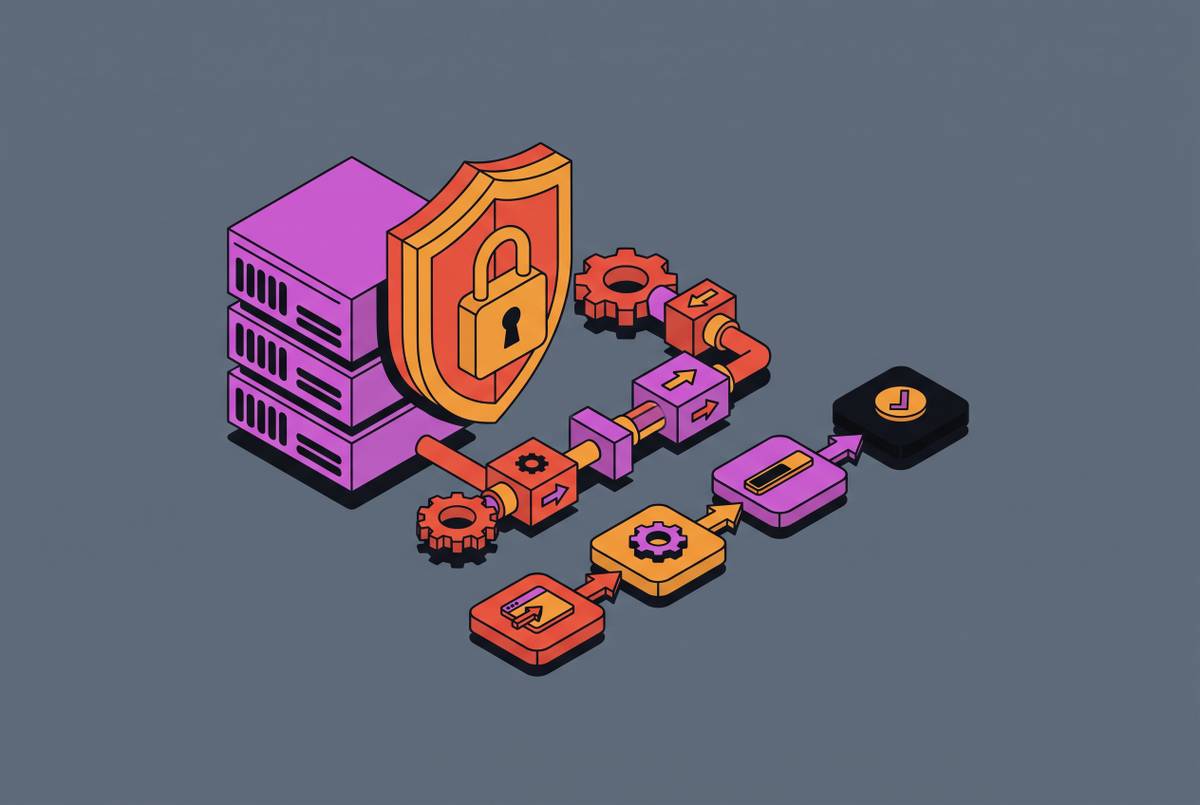
A non-expert operator should not have to work out a technical repair plan for every warning. Automation makes the control itself do that work. Full-disk encryption can be enforced at enrollment, checked continuously, and re-enforced if disabled. The operator does not have to keep inspecting individual laptops to establish whether the original configuration still holds.
Scheduled operating system and application patches remove another recurring task. Instead of contacting users or manually initiating each update, the operator sees measurable patch compliance. Screen lock, firewall, and password requirements become enforced baselines that end users cannot override. Unauthorized software is detected and flagged without waiting for a manual review.
Identity enforcement extends those rules to access. Tying MFA to device enrollment allows a device that loses MFA compliance to be flagged or blocked. A lost laptop is a different kind of event, but remote wipe is available from the same console rather than requiring escalation to a separate vendor. Not every action needs to be automatic for the workflow to be manageable.
These controls are especially useful at the fleet’s edges. It is hard to check remote employees, contractor devices, and personal devices used for work by hand. Cloud-native agents stay in touch across network environments, so a device stays under management when someone works from a home network. The operator manages the policy.
Why device management, identity, and compliance must be unified to enable true self-management
A patched, encrypted laptop provides only part of the protection needed. Its configuration does not establish whether the person logging in is who they claim to be or whether their identity has been compromised. Device management needs identity context. It also needs endpoint protection to show whether malicious activity is taking place on a machine that is correctly configured.
The reverse gap is just as important. MFA at login does not, by itself, establish that the device accessing company data is managed, encrypted, or covered by EDR. Identity controls need device context before an operator can judge the access as a whole. Neither a healthy device nor an authenticated user is a substitute for the other.
Compliance depends on both, but adds its own requirement. It must preserve evidence that the controls operated, rather than merely display a policy that says they should. A report disconnected from current device and identity state becomes stale when either changes. Device and identity tools, in turn, need that history to support an audit answer.
A shared data model joins these dependencies. It lets the operator establish whether every user accessing company data is doing so from a device that meets security policy, without assembling the answer from three systems. Unification is therefore not just a preference for fewer browser tabs. It is what makes the relationship between access, protection, and proof manageable by one person.
What compliance looks like from a single dashboard — producing audit evidence without a compliance team
When cyber insurance is up for renewal, the business is asked for proof of encryption and access controls. Without continuous evidence collection, the operator has to stop normal work and build a record from scattered reports. A unified platform changes the starting point. Policy states, enforcement events, and device compliance history are already available for inspection and export.
Encryption records show enforcement and verification across devices, while patch history shows status by device and timeframe. Access documentation identifies admin rights, when they were granted, and MFA status. Incident records connect a flagged device to the remediation that ran and its return to compliance. Onboarding and offboarding trails show when a device was provisioned and when access was revoked.
Violations surface as they occur instead of waiting for an annual review, and the evidence grows from the controls being enforced. The operator can respond to a questionnaire using device-level records in one exportable view.
People still have to write policies, train employees, and make incident response plans. The platform removes manual collection of technical evidence. That distinction keeps an audit-ready dashboard from being mistaken for a complete compliance team.
How Zip Security delivers this as a single platform for operators without a security team
Zip Security has device management, endpoint security, identity protection, and compliance automation in one console. It is designed for founders, IT generalists, and operations leads who are not security practitioners. The workflows do not assume a security engineer interpreting every alert. Its two-week deployment also addresses the gap between selecting software and getting controls into use.
The platform replaces the patchwork at the operating layer. It brings management and compliance tools together so the operator does not have to connect them through an API patchwork. Configuration and sustained enforcement are part of that approach. Policies stay active and are re-applied automatically, so ongoing coverage does not depend on the operator repeatedly initiating enforcement.
Compliance output comes from the same dashboard used to manage devices. Audit trails, policy states, device histories, and access documentation are built in, removing the separate evidence-collection project for those controls. That directly addresses the reconciliation burden of disconnected systems. The fit is specific to operators who need protection and proof without managing several consoles.
What should a small business look for in a unified security and compliance platform
For an operator evaluating platforms, scope is the first test. The platform should manage devices, enforce identity controls, and produce compliance evidence from one console. A product that handles one function while leaving the others in separate workflows preserves the coordination burden. A common screen is not enough if the operator still has to assemble the answer.
Deployment is the next practical test. A platform that takes six months to configure does not resolve an immediate questionnaire or enforcement gap. Configuration simplicity and time to active coverage belong in both the buying decision and the implementation plan. The interface also needs to suit a non-practitioner, because an alert that requires expert interpretation leaves the central workload unchanged.
Coverage must match the actual device mix. Mixed Mac and Windows fleets need consistent management across both, rather than strong controls on one and gaps on the other. Compliance output needs the same scrutiny. Encryption state, patch history, access logs, and incident records should be on hand without someone having to pull them from several systems.
These criteria make Zip a relevant option for this buyer. It combines cross-OS device management with identity and compliance, a two-week deployment, workflows intended for non-experts, and built-in audit-ready reporting. The basis for that fit is the work it removes from the operator.
The first actions an operator should take to move from fragmented tools to unified self-management
The first step is to establish the real inventory. Before consolidating tools, the operator should account for every laptop, desktop, and mobile device that touches company data, including devices not currently enrolled in management.
The next step is to identify gaps that could fail an audit or block a deal today. That means finding devices without verified full-disk encryption or an active, centrally managed EDR agent, and user accounts without enforced MFA. It also means locating missing patch-compliance evidence and missing access-revocation trails for departed employees.
The operator can then evaluate a single platform against those requirements. Device management, identity enforcement, and compliance reporting can be brought together with an EDR layer already in place. Deployment speed remains part of the decision because selected controls are not the same as deployed controls.
After inventory, gap assessment, and deployment, the operator has a concrete basis for answering security questions. They can identify which devices meet policy, see which need action, and produce the records behind those answers. Security becomes work the operator can direct from one place.
Sources
- The Best MDM Software for Small Businesses Without an IT Team
- Device and Endpoint Compliance | Zip Security
- Can You Prove Every Device in Your Company Is Secured Right Now? | Zip Security
- Continuous Compliance: Where Monitoring Alone Falls Short and How to Fix It | Zip Security
- IT Security Checks Without the Manual Work | Zip Security